





Catalog Your Collection + Loan Tracker — Printable PDF (Letter Goodnotes-Ready)
$5.00$0.00
Photo verified condition. Ships in 2 business days. Free shipping on $35+.
Questions? Text me.
Organize your personal library the easy way. This universal, printer-friendly catalog sheet helps buyer-collectors track every book they own.
Plus, you get a bonus Book Loan Tracker so favorites come back on time. Use it on paper or in your digital planner—yes, it’s Goodnotes-ready.
What You Get
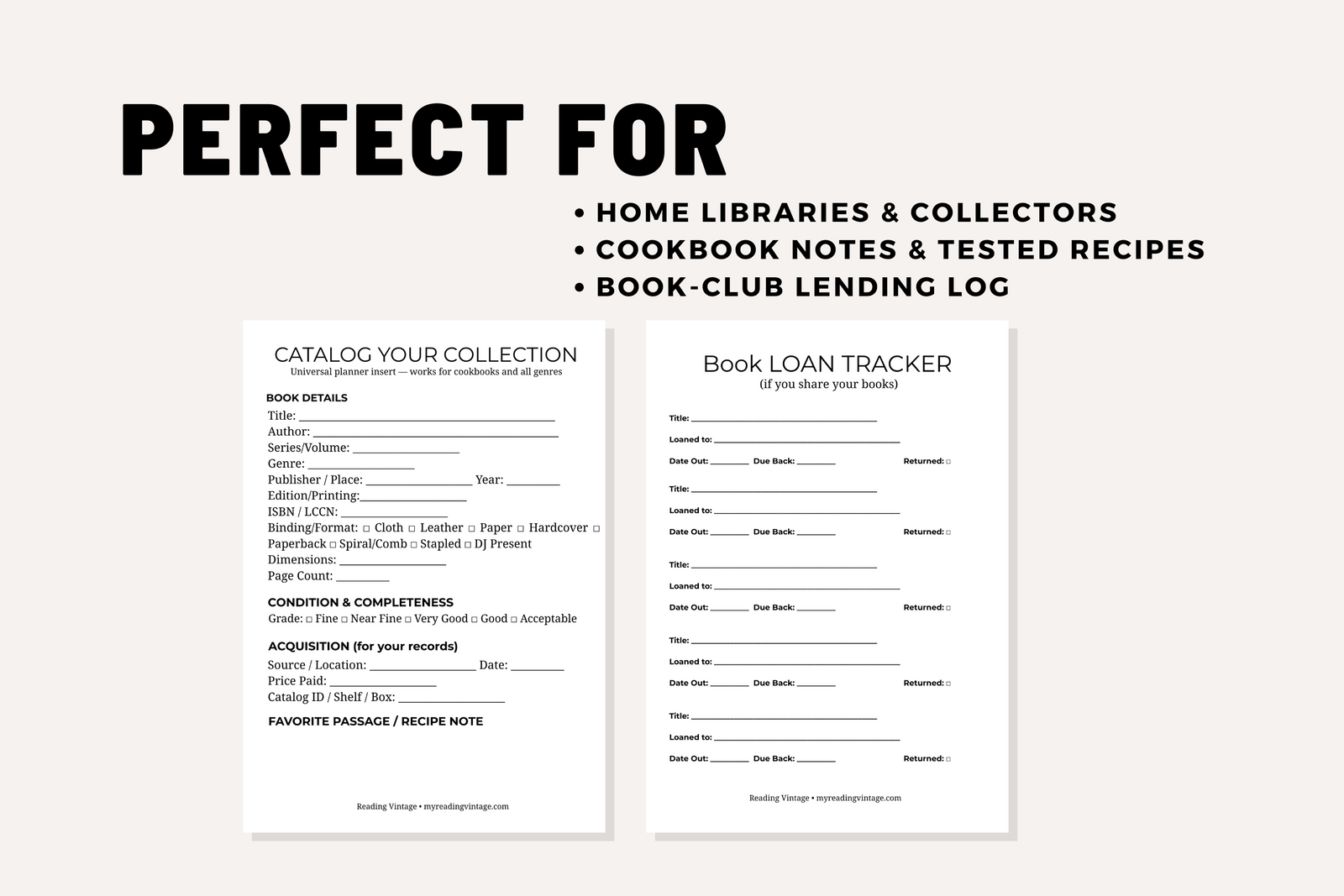
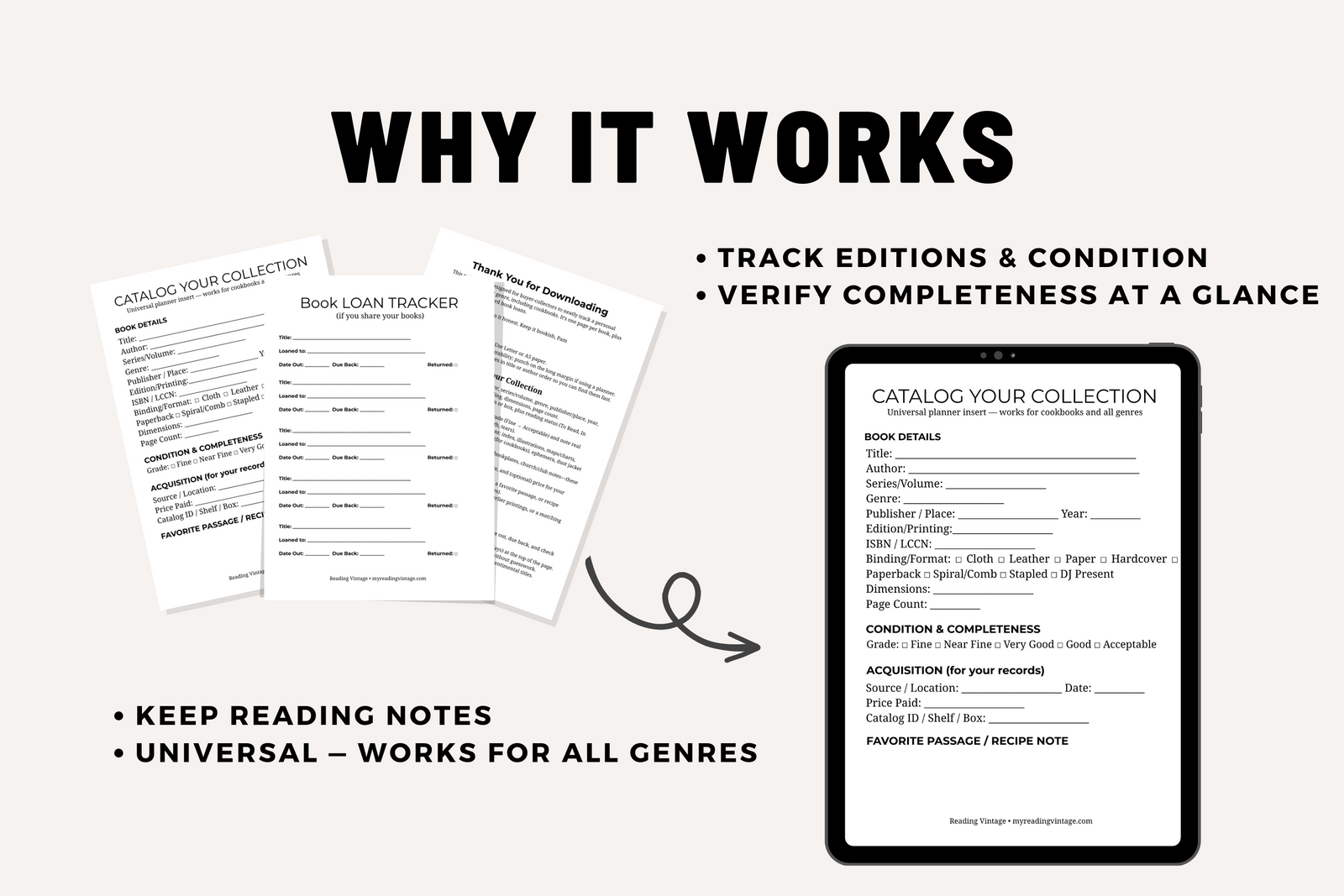
1-Page Catalog Sheet (universal): Title, author, series/volume, genre, publisher/place, year, edition/printing, ISBN/LCCN, binding/format, size, page count, location & read status, rating, condition grade, completeness, provenance, acquisition details, reading notes, favorite passage/recipe note, wishlist/next step.
1-Page Book Loan Tracker (bonus): Track borrower, date out, due back, and mark Returned when it’s home.
Thank you and a instruction sheet
Why Collectors Love It
- Universal but specific: Works for all genres, including cookbooks. Use Reading Notes for tested recipes and any safety updates.
- Clear standards: Honest condition grades and a completeness checklist (index, illustrations, charts, foldouts, inserts, jacket) cut guesswork.
- Flexible format: Print at 100% actual size (Letter or A5) or import the PDF into Goodnotes for a clean, reusable digital workflow.
Goodnotes & Digital Planner Instructions
Import on iPad/iPhone
- Download the PDF to Files (or open from your order email).
- Tap Share → Open in Goodnotes → Import as New Document (keep PDF).
- Choose a folder (e.g., Library Catalog) and save.
Use it like a digital form
- Write with Apple Pencil or type with the Text tool.
- Tick checkboxes with the highlighter or shape tool.
- Duplicate pages: Thumbnails → … → Duplicate (one copy per book).
- Goodnotes OCR makes typed and handwritten notes searchable.
Make it a reusable template (recommended)
- Goodnotes Home → Settings → Notebook Templates → Edit → + Import → select the page(s) → set orientation → Save.
- Now add a fresh Catalog or Loan Tracker page anytime: Add Page → Templates.
Works similarly in Notability, Noteshelf, and other PDF-based planners.
Print & Use Instructions
- Print at 100% on Letter or A5; choose 28–32 lb paper for a smoother write and less show-through.
- One page per book. File by title or author for quick lookup.
- Fill Book Details first. Then mark Location & Status and your Condition grade.
- Check Completeness. Tick what’s present: index, illustrations, maps/charts, foldouts, inserts/ads, conversion charts (for cookbooks), ephemera, dust jacket (if issued).
- Record Provenance & Acquisition. Names, inscriptions, source, date, and—if you wish—price paid.
- Use Notes. Capture reading insights, favorite lines, or recipe results.
- Loan Tracker. Log every loan. Set a standard due date at the top and check Returned when it’s home.
Quick Specs
- Item Type: Digital download (printable PDF)
- Pages: 2 total — 1× Catalog Sheet, 1× Loan Tracker
- Sizes: Letter (8.5×11 in)
- Ink: Black & white, printer-friendly
- Use: Personal library tracking (home collections, study shelves, book clubs)
- Delivery: Instant download — no physical item is shipped
Ideal For
- Reader-collectors who want a simple, repeatable system
- Cookbook fans who log tested recipes and modern safety notes
- Book-club hosts who lend copies and need a clear paper trail
- Anyone organizing shelves after an estate sale or seasonal refresh
Notes & Tips
- Keep a simple Catalog ID (optional) to match shelves or boxes.
- Snap a photo of each finished page for your cloud backup.
- Store books upright; avoid heat, humidity, and direct sun. Mylar for jackets; archival sleeves for pamphlets.
Ready to get organized? Add to cart and start tonight.
Digital Use & License
Personal use only; unlimited prints for your own planner/household. Digital items are non-refundable. (See full Digital Downloads Policy for details.)
About Reading Vintage
At Reading Vintage, I curate unique, well-loved books and vintage collectibles for collectors and curious minds alike.
-
Yes. Every photo on this page is the actual item you will receive. Not a stock photo, not a similar copy. What you see is what ships.
-
Honestly. This is vintage, so expect some age. When I find wear, writing, stains, loose pages, chips, or missing pieces, I note them and show them in the photos. Some marks add character. Some are just flaws. I tell you which is which so you can decide if this is the right one for you.
-
With care. Old books and fragile pieces are wrapped and boxed so they arrive the way they left me. Careful packing is one of the things buyers mention most in their reviews. Orders of $35 or more ship free.
-
Probably not. Everything here is one of a kind, and I rarely find the same item twice. Once it sells, it is gone. Vintage does not restock neatly.
Good to Know Before You Buy
You may also like
